

Field reports for agricultural and site visits
Every trade on this page ends a PropelMapper visit the same way: a draft from your recordings and photos, your check, your signature and a report the client can open without an account.

Used by field teams at




From farm visit to signed client report
You are walking a farm for an owner who cannot be there. At the north gate, you stop to photograph a leaning fence post and tell your phone what you found. The farm and location stay with that note, ready for the report you owe the owner.
Your notes save on the phone without service. Once they upload over a connection, we put them into a draft report. You read it with the photos beside it, correct anything we misunderstood and add the advice you want the owner to consider.
You sign it and send it under your own name and logo. Agriculture is our main market: scouting rounds, herd visits and farm inspections. The same need for a written explanation also brings people to us after a pest control visit, a grow-room walk, a property inspection, a pre-construction site survey or a patrol of a power line right-of-way.
Report types by kind of field visit
For a scouting round, the grower needs the field, crop observations, sampling method and your recommendation. For a farm inspection, the owner needs the condition you found, the tenant’s account and any approval you are asking for. A herd visit needs the animal group, the source documents you reviewed and the advice you gave the producer. The reader and the decision determine what belongs in each report.
The same care applies to a site visit outside agriculture. A property contact needs the building and door name; a cultivation advisor needs the room and bench. A map identifies the saved place, while your words and photos locate the finding inside it. The pages above show a complete visit and a report passage for each kind of work.
North gate fence: what you said and what the report says
An owner update after a visit to Sundberg Acres.
“Sundberg Acres, north gate. The corner post is leaning toward the track and the top wire is slack. I took a photo from the gate and marked the spot. I’ll ask the owner about repairing this section.”
North gate fence - Sundberg Acres
At a glance
At the north gate, the corner post was leaning toward the track and the top wire was slack. A photo and the location were saved during the visit.
The manager will discuss a repair to this section with the owner.
Observations
At the north gate, the corner post was leaning toward the track and the top wire was slack. A photo and the location were saved during the visit.
The manager will discuss a repair to this section with the owner.
After your review
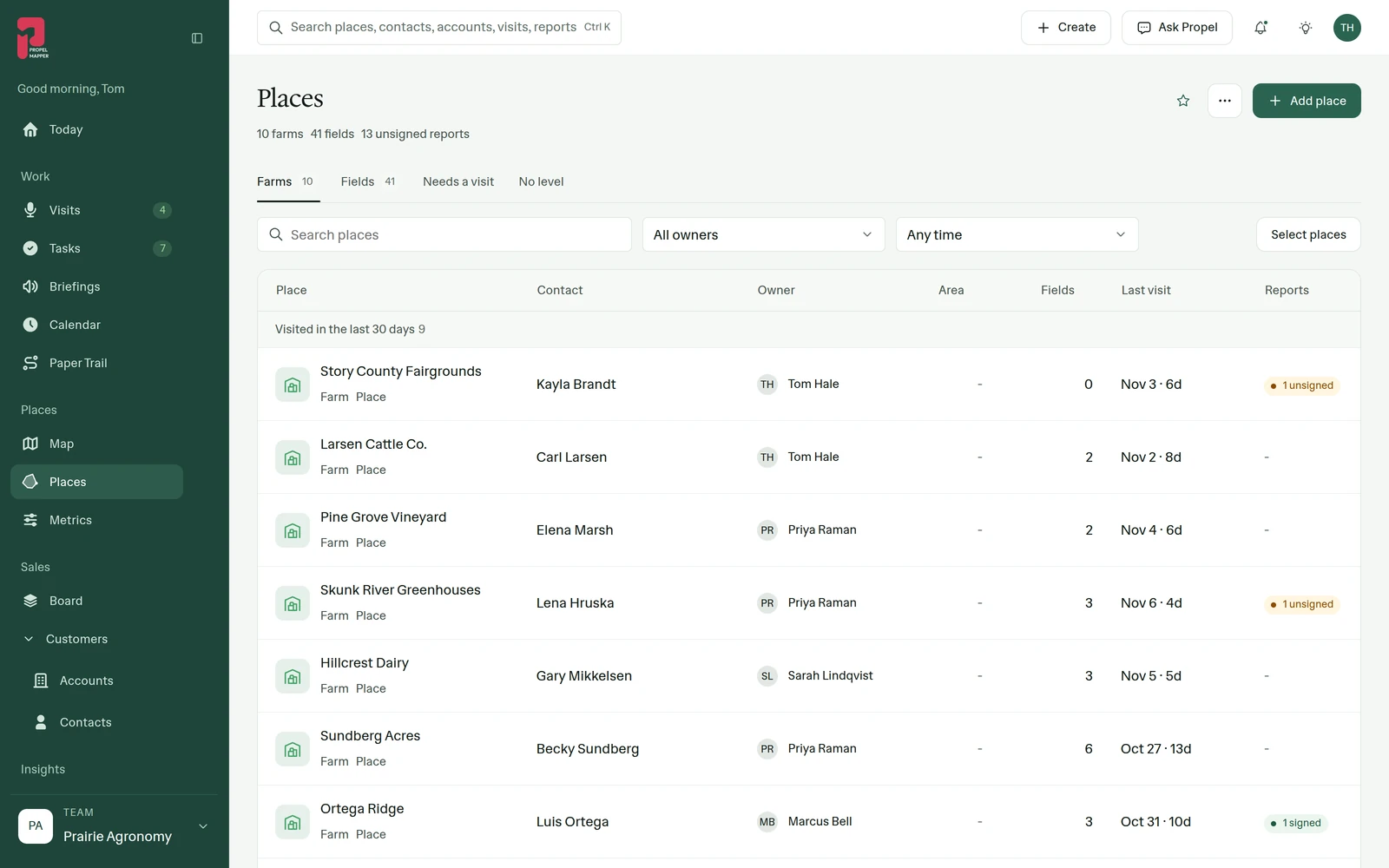
Example account: Prairie Agronomy
Preparing and reviewing a field report
You prepare for a visit by identifying who will receive the report and what they need to decide. The previous report, asset list or sample plan helps you choose what to check. Your visit notes give the place, date, observations, photo context and any area you could not inspect. They identify information supplied by someone else. Those details let the reader understand both the finding and its limits.
We turn the uploaded notes into a draft report. You compare it with the originals, correct names and readings, and add your assessment. The report closes with a specific next step and the person expected to act. Notes can save without service; upload, new report drafting and delivery need a connection. The forms and calculators linked below can help you prepare the inputs before you review and send your report.
Who it’s for
We built PropelMapper for people who visit a place and owe someone a report. Agronomists, crop consultants, farm managers and land managers are our first audience. Other field teams can use the same notes, photos and locations to explain a visit in their own report format.